
Who We Partner With
Digital Signage for Automation Integrators: Put Plant Data on the Floor
The numbers sit in your clients' systems. Add the displays to your automation project, feed them from a spreadsheet, an SFTP drop or our API, and earn on the subscription every year.
The numbers live on a server nobody on the floor looks at
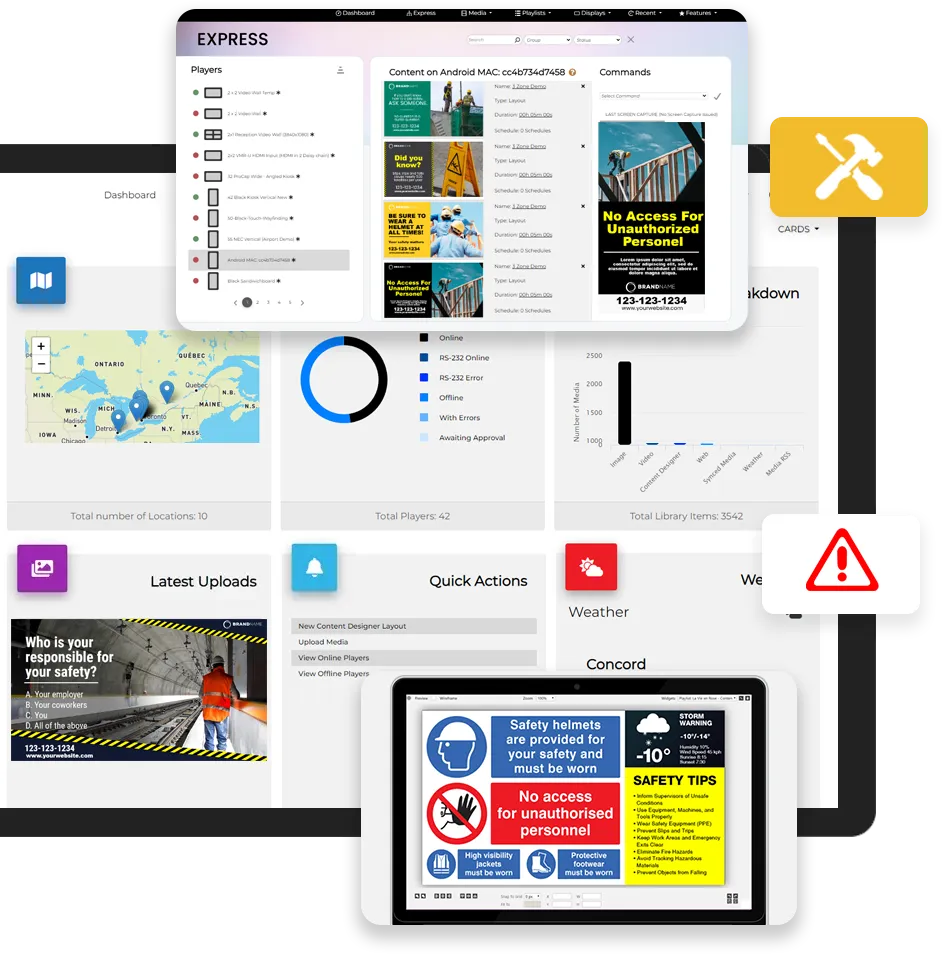
Line rates, downtime, safety days, the energy bill. The numbers exist, but they sit in a system people only open at their desk, and the shift walking past the line never sees them.
A screen on the wall changes that, as long as the data gets there without someone retyping it every morning. You've already wired the plant. Putting its numbers where people can see them is a natural next line on your quote.
Four ways to get data onto the screen
| Route | How it works |
|---|---|
| Spreadsheets | Connect an Excel file or Google Sheet in OneDrive or Google Drive, and firmChannel syncs it on a schedule |
| CSV links | Point a Smart List at a CSV URL, and it refreshes on screen at the interval you set |
| SFTP file drops | Your client's ERP or other internal systems drop a file on a schedule, and firmChannel picks it up |
| REST API | Your integration creates and updates the data feeds that screens display, along with playlists and schedules |
If your client's system can export a file, or your team can build a simple integration, the numbers can reach the floor.
Boards built for the floor
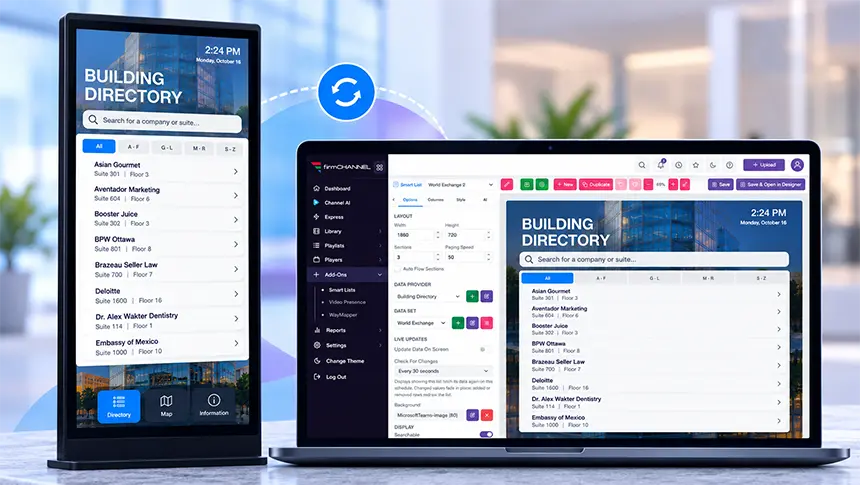
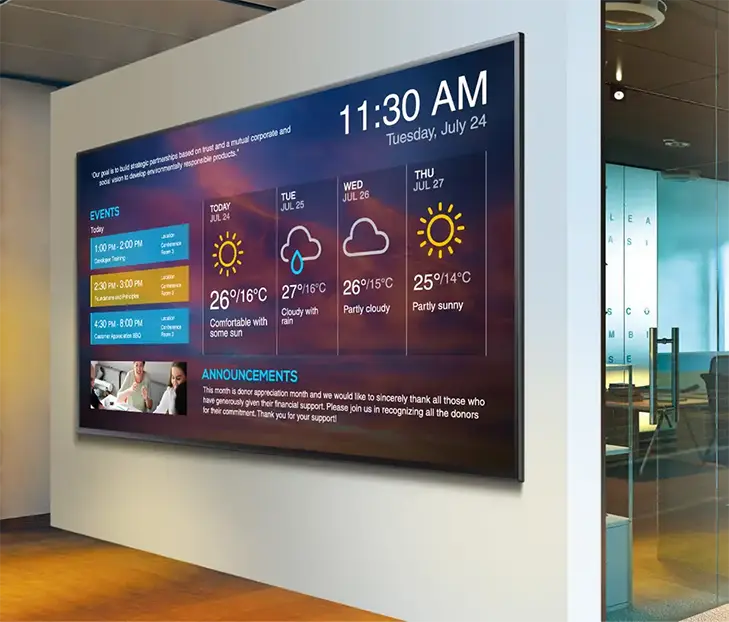
Smart Lists turn rows of data into something a forklift driver can read from across the aisle. Adjust column and row sizes, set per-cell transparency, choose fonts, sort the data, hide blank rows and page through long datasets automatically.
Use them for production boards, shift metrics and facility displays, and mix data zones with safety messaging and announcements in the Layout Designer, so one screen does several jobs.
Alerts that take priority
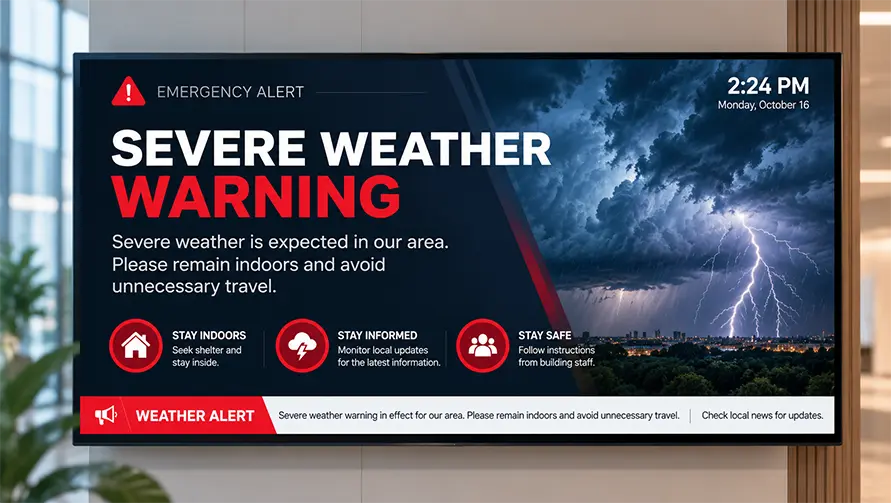
When something goes wrong on site, a message has to beat the KPI board.
Quick Broadcast pushes a message to the screens you choose, right away. Emergency alerts from public alert (CAP) feeds take priority by severity, with automatic translation into 22 or more languages on the Enterprise edition. They're included in the Enterprise edition, and a paid add-on on Standard.
Control the displays and cut the power bill
Screens left on overnight in an empty plant waste power and wear out panels. You can schedule them off.
- RS-232 commands on commercial displays, scheduled and permission-controlled
- HDMI-CEC control
- Displays switched off outside shift hours, which cuts energy use and supports your client's ESG goals
- Remote restart and screenshot
- Offline alerts to the technician email you choose for each player

What plant IT will ask
Plant IT will want to know what's going on their network, and they'll want it in writing.
We'll send your client our SOC 2 Type II report under NDA (independent audit, no exceptions noted) and the full report from our annual third-party penetration test. We'll also confirm that their data is hosted on AWS in their own country, Canada or the US. Each client is its own enterprise with its own sign-in, so a leaked password can never reach another client. And if the plant network drops, the screens keep playing cached content.
Add digital signage to your automation projects
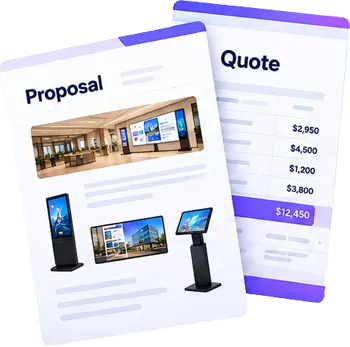
Send us the scope before you price the job. We'll help you quote the displays, players, software and installation, and we'll join the client meeting to take the signage questions while you handle the automation.
A manufacturer's vendor review will look familiar. We've done the same paperwork for hospitals and banks.
Work with us your way
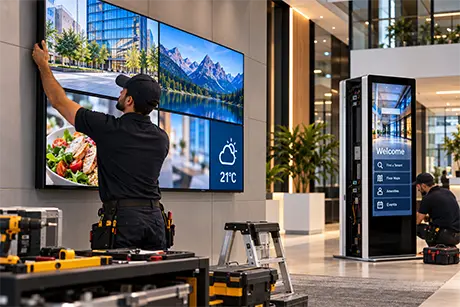
Your crew already pulls cable on the plant floor, so you may want to install the screens yourselves. Or we can. Use us for as little as the software or as much as a turnkey job, including installation and content creation. Either way, you're assigned a channel manager, the platform can carry your brand instead of ours, and we never sell firmChannel direct to your clients. We don't publish partner margins, but we'll help you build every quote.
How we get your team ready
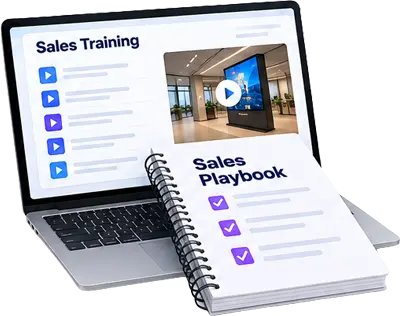
Your engineers learn data sources, Smart Lists, scheduling and player management in live sessions with our Customer Success team. When a new engineer joins mid-project, the training videos inside the platform get them going, and our Customer Success team is a call away on weekdays from 9 AM to 9 PM ET (excluding statutory holidays). We don't charge for training.
Questions to ask your current platform
| Question | firmChannel | Why it matters |
|---|---|---|
| Can a screen show live data from a spreadsheet, a CSV link, an SFTP drop or your API? | Yes, refreshed at intervals you set | Plant data rarely lives in a signage tool |
| Can you control commercial displays over RS-232? | Yes, scheduled and permission-controlled | Power schedules cut energy costs on every shift |
| What happens to the screens if the network drops? | They keep playing cached content | Plant networks aren't always reliable |
| Can my client's IT team get your SOC 2 Type II and pen test reports? | Yes. SOC 2 under NDA, and the full pen test report | A stalled vendor review holds up the whole automation job |
| Is each client its own enterprise, with its own sign-in? | Yes, by design | One leaked password shouldn't reach every plant you serve |
| Will you help me price the quote? | Yes: displays, players, software and installation | Signage shouldn't eat the margin on the automation job |
| Who trains my team, and what does it cost? | Our Customer Success team, at no extra charge | Your engineers' time is the expensive part |
FAQ
Questions automation companies ask
Can firmChannel read a PLC or SCADA system directly?
Not directly. Export the numbers to a spreadsheet, a CSV link or an SFTP drop, or push them through our REST API, and the screen picks them up.
How often does the data refresh?
At the interval you set for each data source.
Can each line or building show different numbers?
Yes. Group screens by location and send each group its own layout and data.
Can a safety message interrupt the screen?
Yes. Quick Broadcast and emergency alerts take priority over scheduled content. Emergency alerts are included in the Enterprise edition and are a paid add-on on Standard.
What hardware do we need?
Any supported player: Windows, Android, Linux, Raspberry Pi, BrightSign, Samsung Tizen, LG webOS or Amazon Fire Stick, on any commercial display.
Will you help with the first project?
Yes. Our pre-sales team helps scope it, build the quote and join the client meeting.
Show us the data you want on the floor
Tell us which numbers your client wants on the wall and where they live today. Your channel manager will come back with how to get them there and what it would cost.