
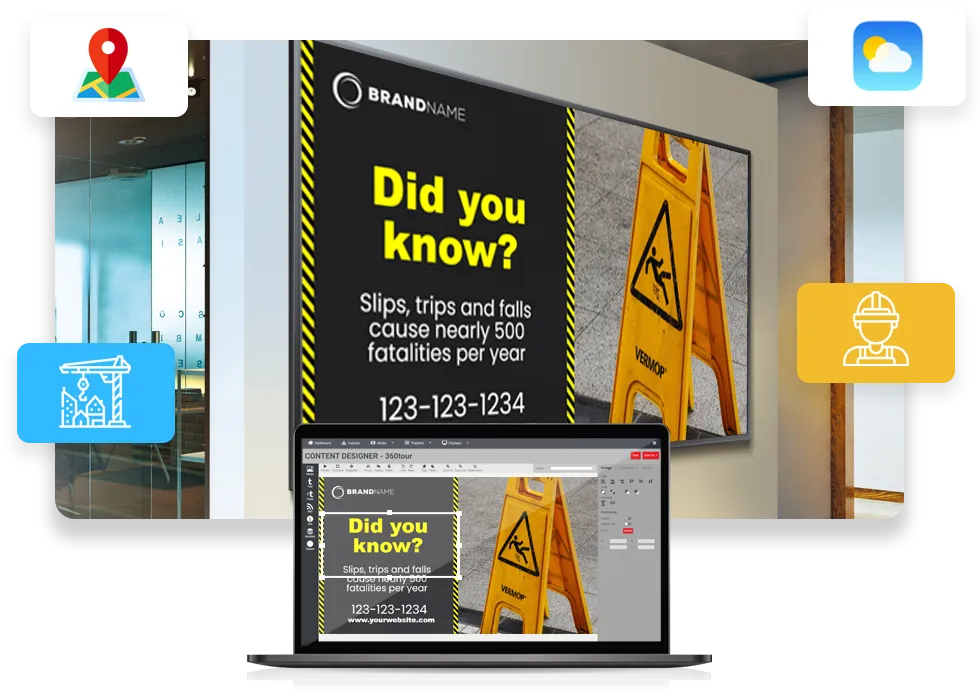
Industrial Digital Signage for the Plant Floor
Put line rates, downtime and shift targets where the whole crew can see them. firmChannel pulls the numbers from your spreadsheets, ERP exports or API on the schedule you set, so nobody retypes them.
Your production numbers are stuck on a desktop
The data your plant runs on already exists. It sits in a spreadsheet, an ERP report or a supervisor's dashboard, and the people on the line rarely see it until the shift meeting.
Industrial digital signage puts those numbers where the work happens: above the line, on the factory floor, in the break room. When the team can see the target and where they stand against it, they don't need to wait for someone to tell them.
What industrial digital signage does on the plant floor

Safety messages first

Production boards

Targets where the work happens

Data from the systems you use

Changes at the next refresh

Screens off after hours

Keeps playing offline

Remote display control

Security IT can sign off on
Where your production numbers can come from
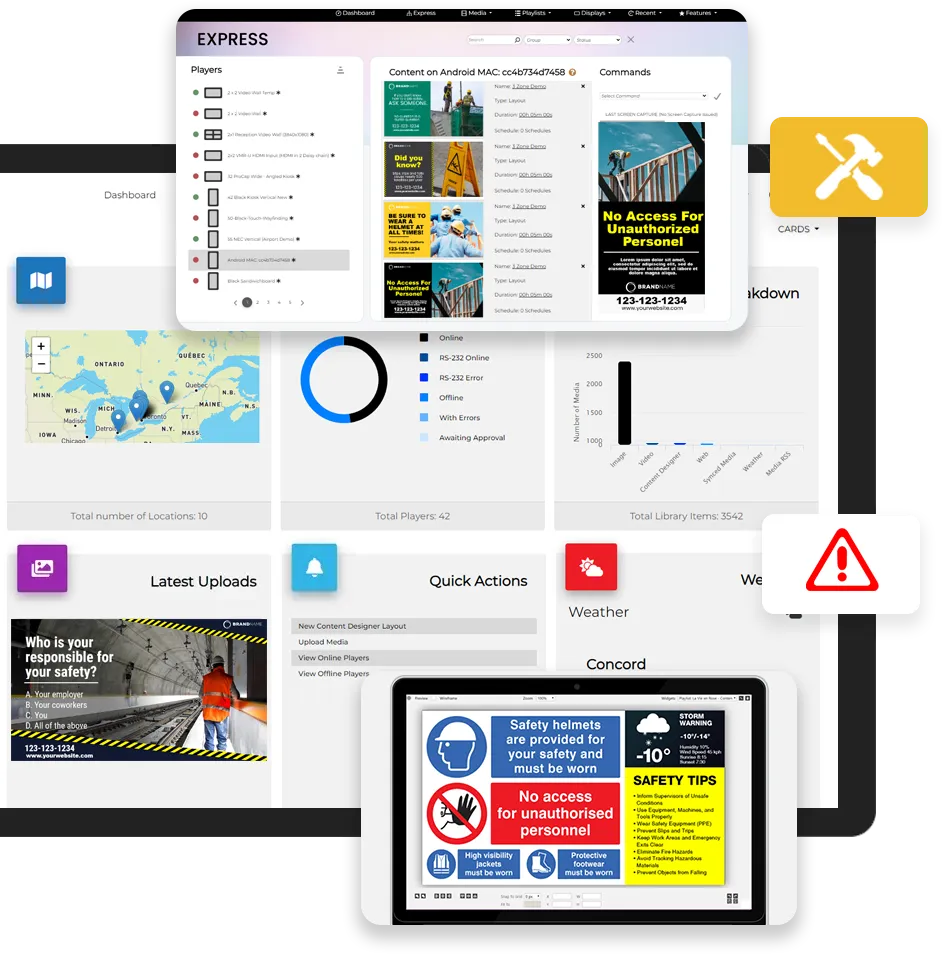

A spreadsheet

A CSV web link

An ERP export

An integration

The media player you choose
Who sets it up
Other Digital Signage Solutions for Industrial and Manufacturing Facilities
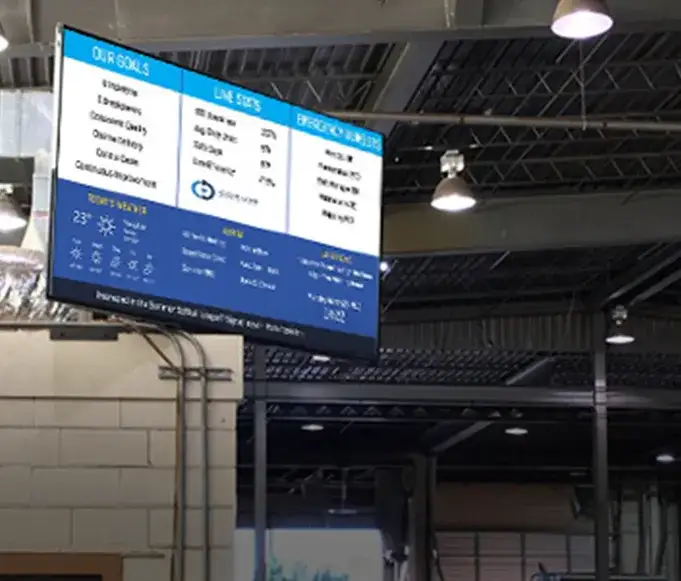
Digital Displays
Digital displays can be used to display real-time data such as production targets, inventory levels, and supply chain information, providing greater visibility into operations and allowing workers to respond quickly and efficiently.
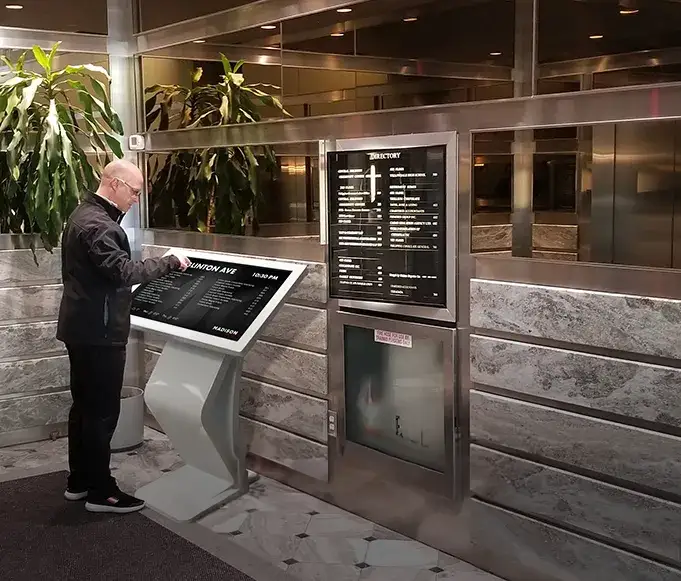
Interactive Kiosks
Interactive kiosks can provide employees with access to important information such as safety procedures and work instructions. They can also be used to improve wayfinding in large manufacturing facilities, allowing employees to quickly and easily navigate the plant.
FAQ
Questions plant teams ask
Can firmChannel read our PLC or SCADA system directly?
Not directly, but most plants already export what they need. Your partner can set up a spreadsheet, CSV link, SFTP drop or API feed from those systems.
Can we turn the screens off when the plant is closed?
Yes. Schedule displays off outside shift hours, and they come back on for the next shift.
What happens if the plant network goes down?
The screens keep playing their cached content until the connection returns.
Will our IT department approve it?
That's their call, but they'll have what they need: our SOC 2 Type II report, the full pen test report, and hosting in your own country. See our security page for the detail.
Can a safety message interrupt what's on screen?
Yes. Quick Broadcast and emergency alerts take priority over scheduled content. Emergency alerts are included in the Enterprise edition, and are a paid add-on on Standard.
What hardware do we need?
A supported media player connected to a commercial display. Your partner can recommend the right setup for each area.
See your numbers on the floor
Tell us which numbers you want on the wall and where they live today. We'll show you how they'd look and put you in touch with a partner to set it up.