
Turn customer data into branded experiences.
Transform existing Smart Lists with AI, quickly applying polished styles that match each customer brand and every need.
- Restyle existing Smart Lists
- Match customer branding
- Create polished designs faster
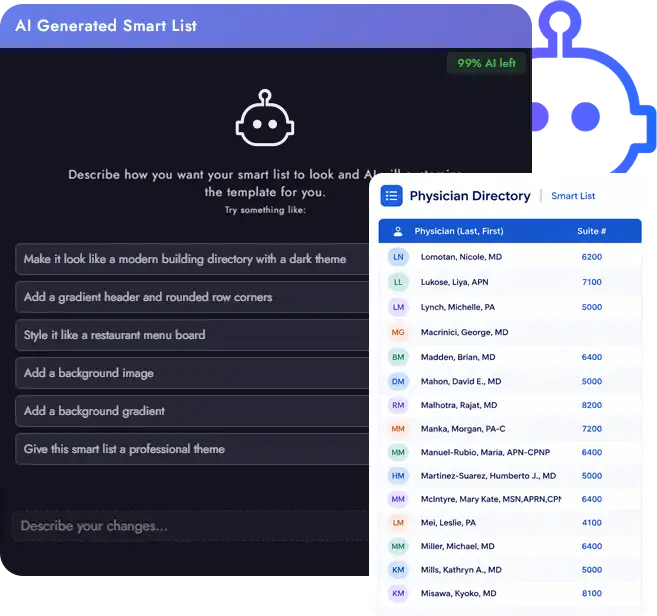
Describe it. See it take shape.
Tell Smart List AI how you want your table to look, and let the builder generate the design for you.
Describe your design
Tell AI how you want your Smart List to look.
Restyle with AI
Turn your instructions into a designed table built from your data.
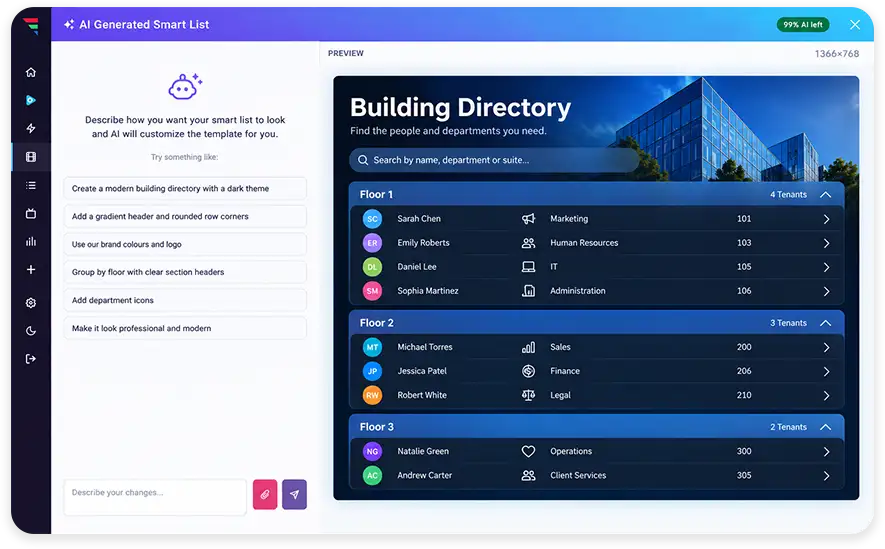
Keep refining
Continue adjusting the design until it fits what you need.
Your data can keep evolving.
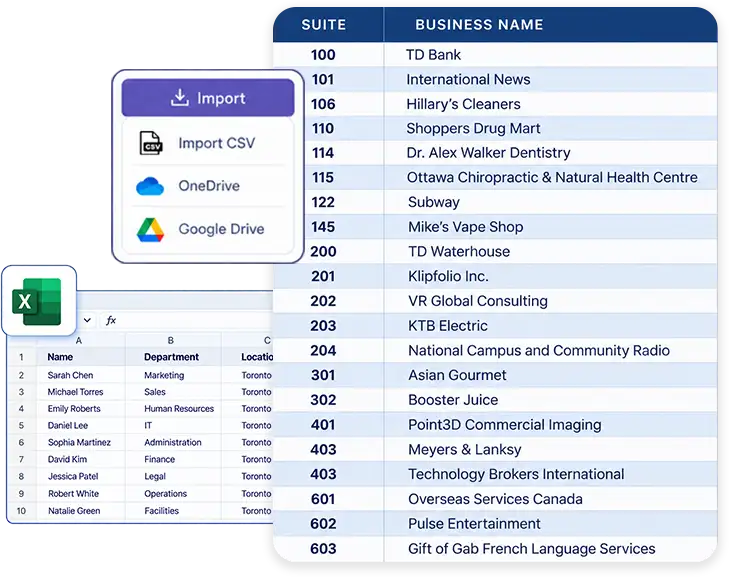
Build and update Smart Lists as your data evolves. Add new columns or bring in data from Excel and Google Sheets to speed up setup.
Work with existing data
Style your Smart List while preserving your selected data and structure.
Paste from Excel
Bring tabular data into your dataset faster.
Paste from Google Sheets
Use existing spreadsheet data to speed up setup.
Learn more about the AI Smart List Stylizer
What is the AI Smart List Stylizer?
It is a design assistant for Smart Lists. You describe how you want a list to look, such as a modern building directory with a dark theme or a restaurant menu board, and the Stylizer turns that description into a finished, branded table.
Does the Stylizer change my data?
No. It restyles an existing Smart List while preserving the data you selected and the structure behind it. Only the presentation changes, so the same list keeps feeding from the same source.
What kinds of Smart Lists can I style?
Any Smart List you build in firmChannel. Building and tenant directories, physician directories, menu boards, staff lists, schedules, and price lists all work the same way.
Can I keep adjusting the design after the first result?
Yes. Describe your changes and the design updates again. You can keep refining, for example adding a gradient header, rounding row corners, grouping by floor, or applying customer colors and logos, until the list fits the brand.
Can I bring data in from Excel or Google Sheets?
Yes. You can paste tabular data straight from Excel or Google Sheets, and import from CSV, OneDrive, and Google Drive, which is the quickest way to set a new customer list up.
How do I get the AI Smart List Stylizer?
The AI Smart List Stylizer is part of firmChannel V9. Reach out through the Get Started link or book a demo and our team will show your team how it works.
Other V9 Features
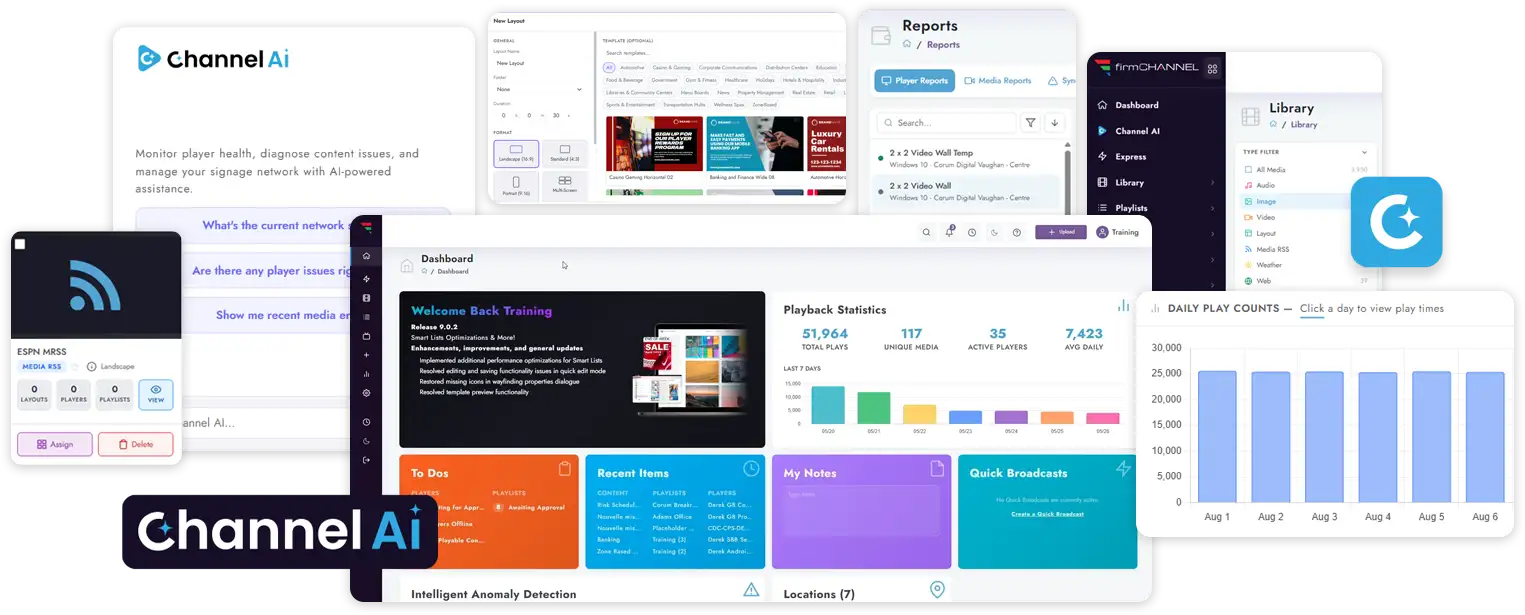
Ready to turn customer data into branded experiences?
See how the AI Smart List Stylizer helps your team restyle Smart Lists in seconds and deliver polished, on brand directories, menus, and schedules for every customer.